
1
Step 1
Install a compatible IPTV player on your Smart TV.
Setup Guide
Follow these steps to activate your IPTV channels and VOD library on Smart TV with a supported player app.
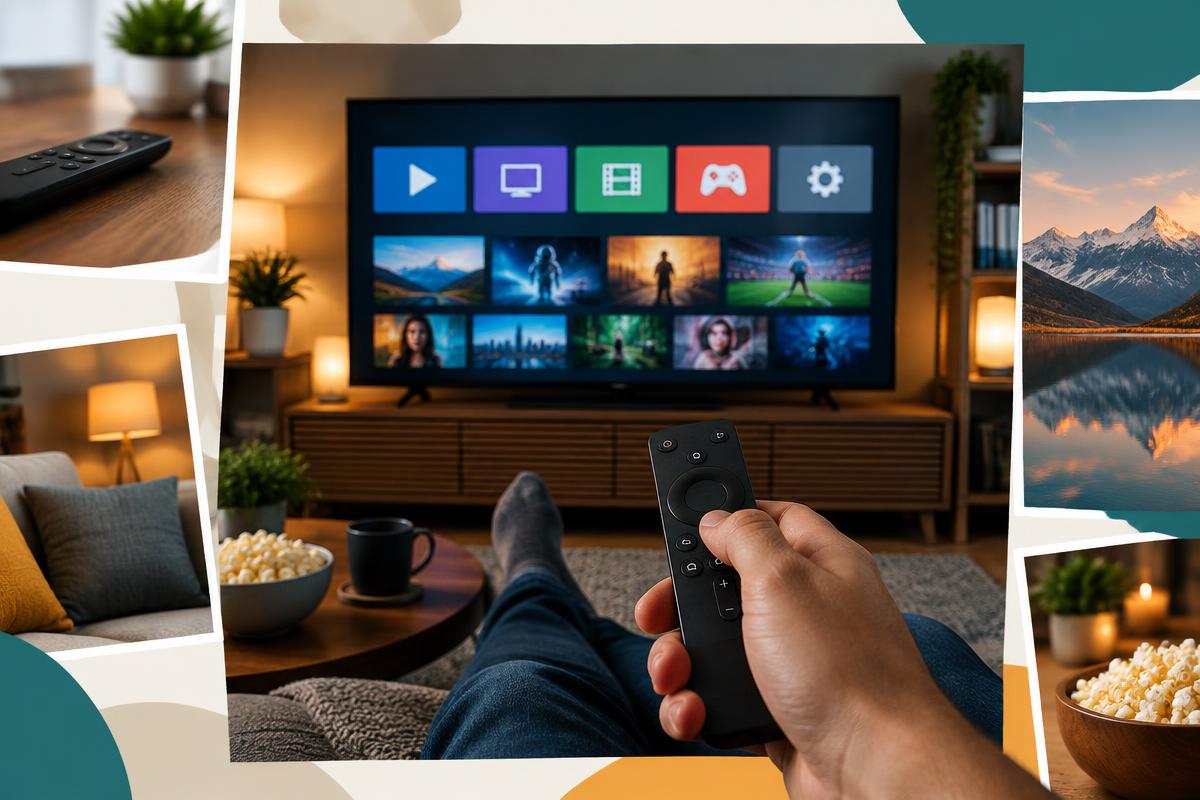
Install a compatible IPTV player on your Smart TV.
Open the app and choose Xtream Codes, M3U, or playlist login if available.
Enter your SSTV IPTV subscription details exactly as received.
Refresh channels and EPG, then test live TV and VOD categories.